Lessons
Lessons that explain one idea
Supernova is the mode for short teaching videos: a maths, physics or computer science concept explained in up to two minutes, vertical, with a voice, captions and animated diagrams drawn from code. It is for educators: teachers, tutors and students who explain a topic in short videos.
A lesson starts from the script. The pictures follow the voice, and every lesson has the same seven parts, so someone who has watched one knows what the next will do.
The same seven beats, every time
Times are for a two minute lesson and shrink in proportion for a shorter one. A lesson with nothing to derive swaps that beat for a second picture, and never reorders the rest.
01Hook
about 10 sA question a beginner can feel, then where the lesson sits: "This is topic A point one, kinematics."
02Picture
about 20 sThe diagram appears before any formula, in everyday words. Each new term is defined the moment it shows up.
03Set up
about 15 sThe quantities, their units and the assumptions, written onto the diagram.
04Derive
about 35 sThe formula is built line by line from things the viewer already accepts, and each step says why it is allowed.
05Use it
about 20 sOne worked example with real numbers and units.
06Aha
about 10 sThe result that connects things, and the place where it stops being true.
07Close
about 10 sA one line recap, then a question to answer in your head. The last frame holds.
Checked before it is drawn
check_script is a linter for the script. It flags long sentences, a reading level above grade nine, a term used before it is defined, pace against each beat, a lesson over its two minute budget, an opening that does not name the chapter (when you give it one), a closing that is not a question, and any equation whose spoken form the narration never says.
It counts and matches, so it cannot tell whether a derivation is right. The process asks for more before a scene is built: the derivation written out step by step, the maths and the units checked by code, every number on screen taken from that code, and a reader who knows the subject.
Voice and captions
The docs ask for one fixed voice across a whole series, so a viewer knows it by ear. Narration writes a timing for every word, which lets a scene point at the word being said. Captions are burned in for silent autoplay, and the docs show how to break them at sentence ends.
The default voice comes from edge-tts, which sends the script text to Microsoft. That is fine for a public lesson. omnivoice stays on your machine and is slower.
What a lesson is drawn from
The design is dark and flat, and light means attention: only the thing to look at glows. Each subject gets one accent, so a row of lessons reads as a spectrum. These are stills from the primitives that ship in @openvidstudio/stem.
- Void
- Text
- Maths
- Physics
- Computer science
- Chemistry
- Biology

Spark
A glowing point that draws, carries and points. One glows at a time.
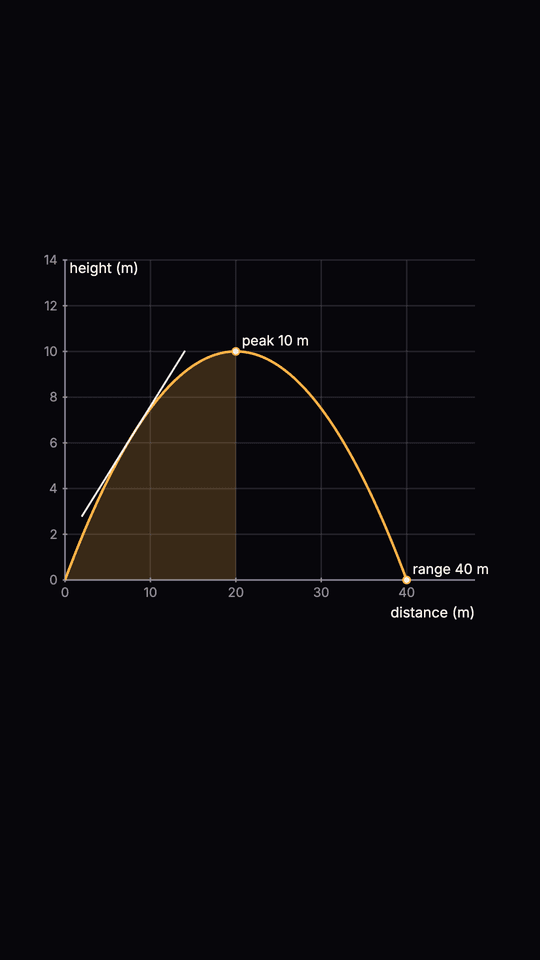
Axes and Plot
Graphs with tangents, shaded area and marked points.
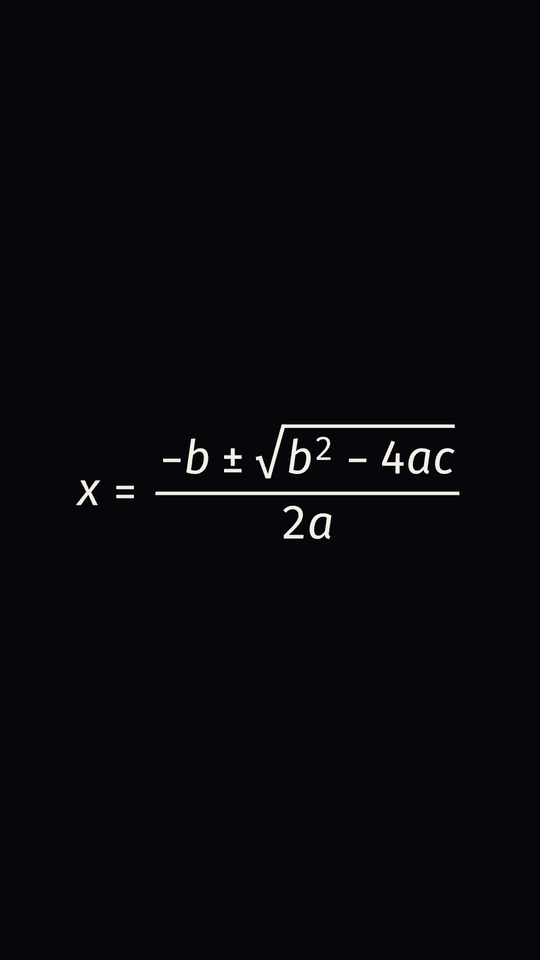
Equation
Sans-serif maths that appears term by term, with its spoken form.
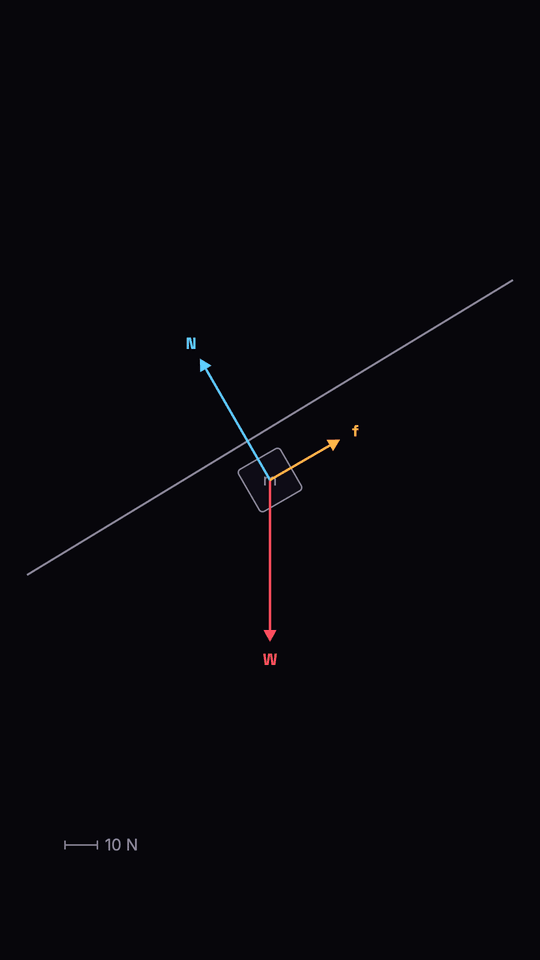
FreeBody
Force arrows whose lengths are exact, with a scale bar.
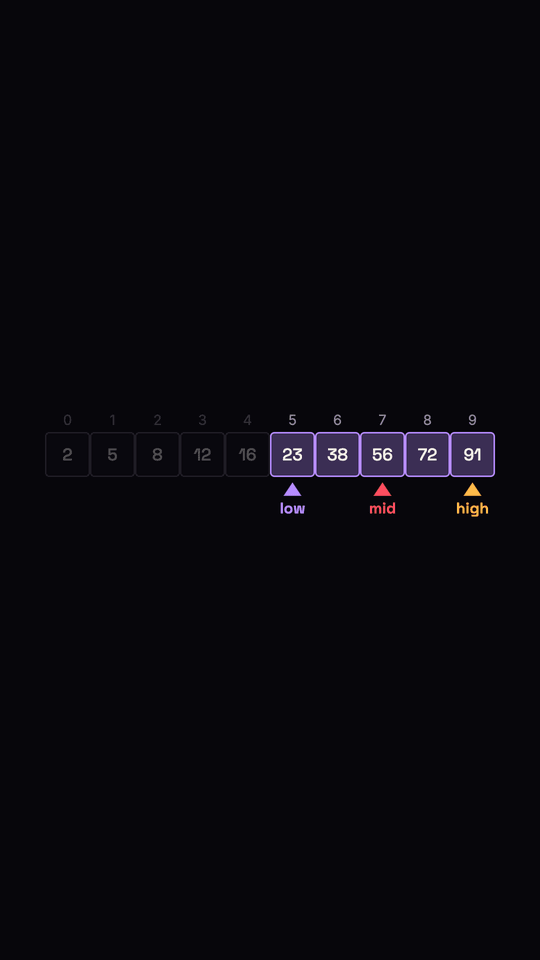
ArrayViz
Cells, pointers and a lit range, for searching and sorting.
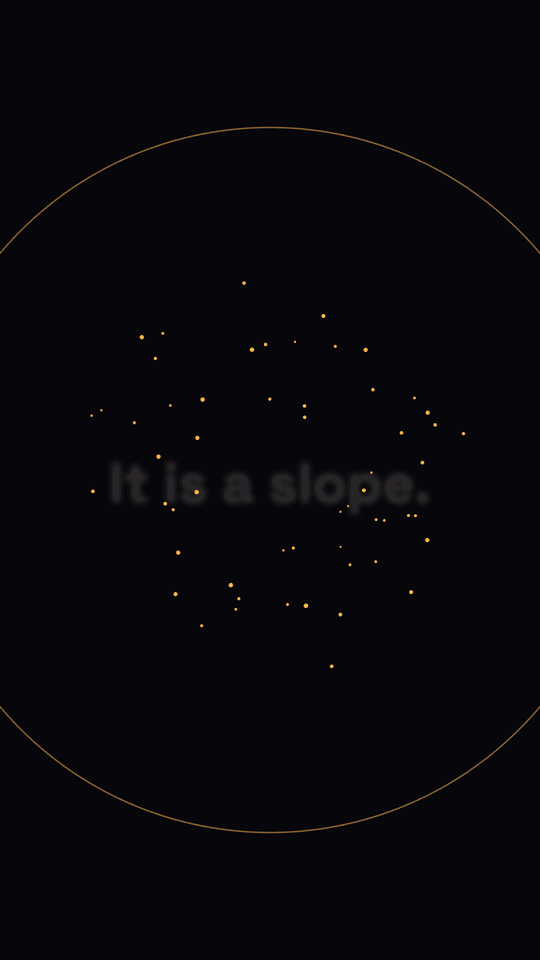
Nova
The payoff, once per lesson, on the aha.
Where it stands
The mode is built and tested: the design system, the primitives above, word-timed narration, the script linter and a skill that walks an agent through it. The first published lessons are still to come, so there is no lesson video on this page yet. Next on the list are a component that shows a derivation step by step, caption and beat fitting tools, and more diagrams for physics and computer science.
Lessons install the same way as everything else, and need edge-tts 7.3 or newer for the voice. No running app is involved.
Make one
Ask your agent for a lesson on a topic, or start the project yourself.
init_project   { "mode": "supernova" }   # 1080x1920, the lesson primitives, the fonts
# then your agent follows the supernova skill:
#   concept card, script, derivation checked by code,
#   voice, scenes, review, finalize